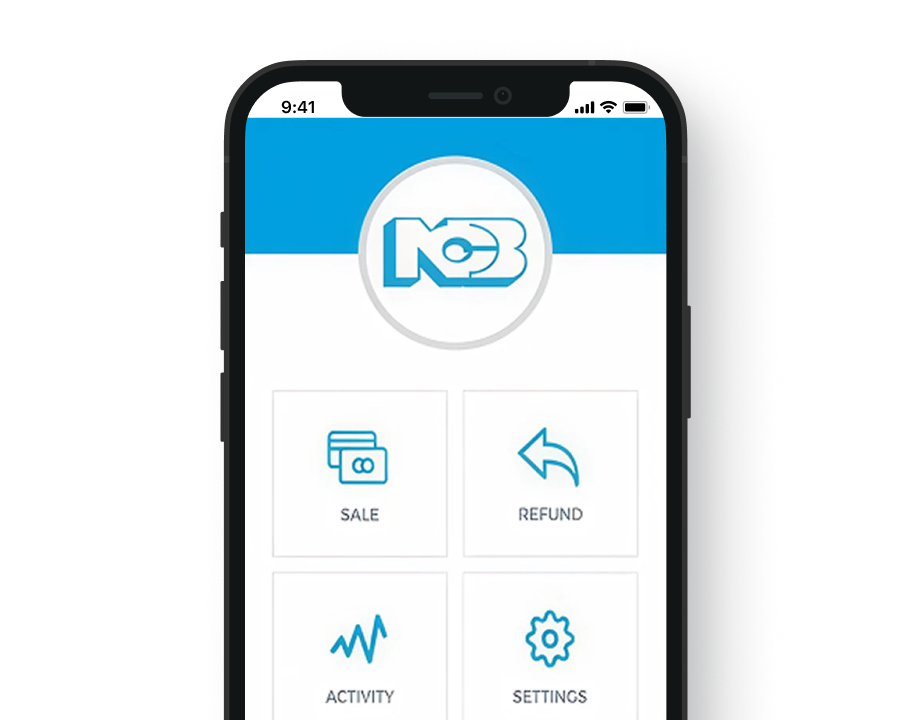
Never miss a sale with NCB mPOS

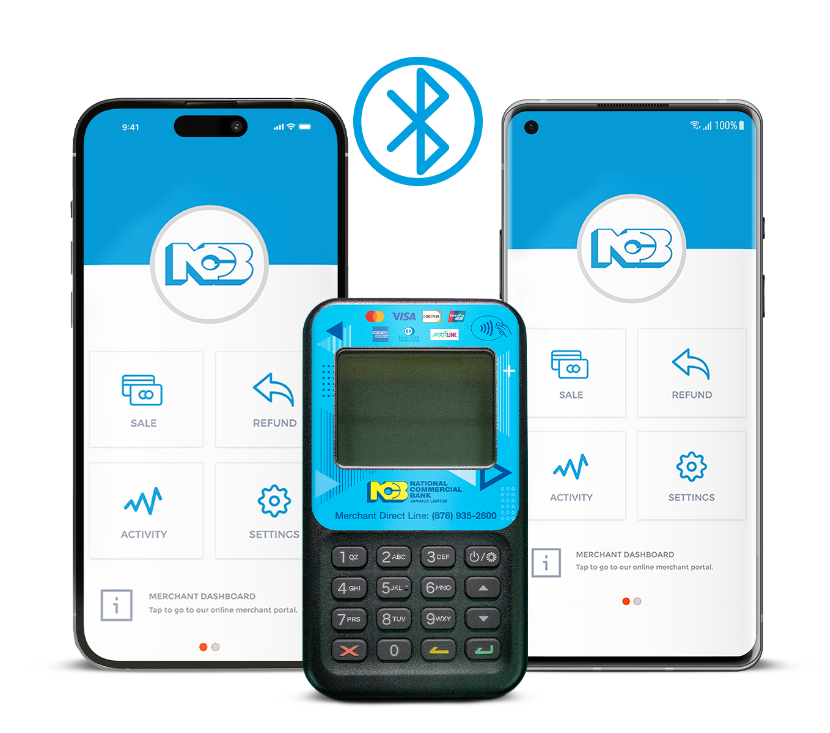
NCB mPOS is a mobile payments platform which allows you to process payments securely from almost anywhere at any time. The lightweight card reader easily connects to any Android or Apple smartphone or tablet using Bluetooth.

Mobile app store badge
Mobile app store badge (1)
mPOS

Seamless acceptance of major debit and credit cards

At NCB, we are committed to making your 

financial transactions convenient, fast and secure. 

We accept all major cards.
All Cards

Everything you need to run your business, all in one place!

A powerful, self-serve payment solution designed to help you convert, engage, and grow your business with ease. Trusted by thousands of entrepreneurs, NCB mPOS offers the tools you need to manage transactions efficiently—anytime, anywhere.

mpos-hero-banner
  • Affordable & Lightweight

    Our product is incredibly lightweight, making it a breeze to use. Say goodbye to heavy, cumbersome tools and embrace the simplicity and ease of our solution.
  • Safe & Secure

    Through encryption that is EMV and PCI Complaint, the NCB mPOS platform secures all transaction data.

  • Instant Digital Receipts

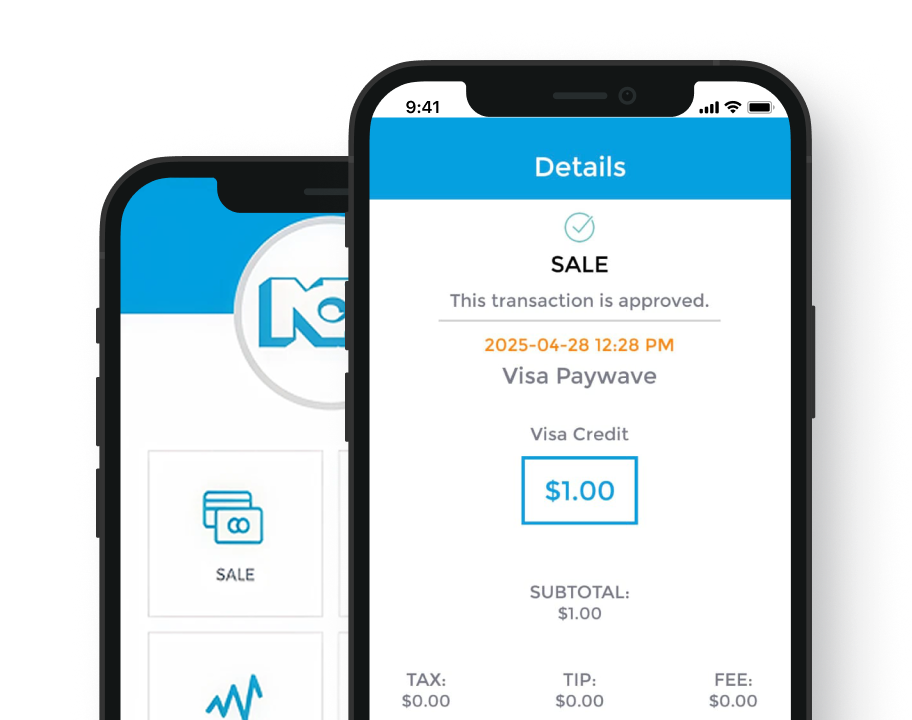
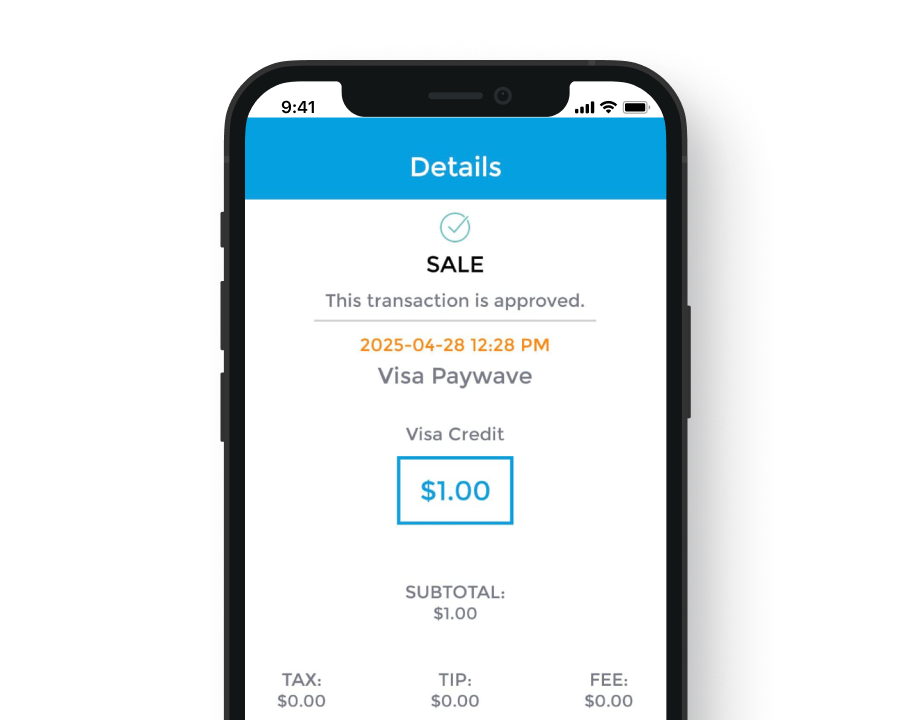
    No more paper clutter. With NCB mPOS, you and your customers receive electronic receipts via Email or SMS immediately after each transaction. Fast, efficient, and eco-friendly!
  • Real-Time Dashboard

    Transactions are available in real time and can be downloaded as a .csv (Excel) file, eliminating the need to wait for a bank statement to be generated.

Speak with a Merchant Service Representative and get started today

Seamless transactions, anywhere you go

Are you an NCB Customer?
I hereby give permission to NCB to communicate with me in the future
Speak with a Representative

Download the
NCB mPOS app today.

Seamless transactions, anywhere you go
Apple StoreGoogle Play
Download the NCB mPOS app today.

Learn how easy it is to get started

Watch these tutorial videos for a demonstration of how easy it is to process and manage your sales using NCB mPOS
User Guide

User Guide

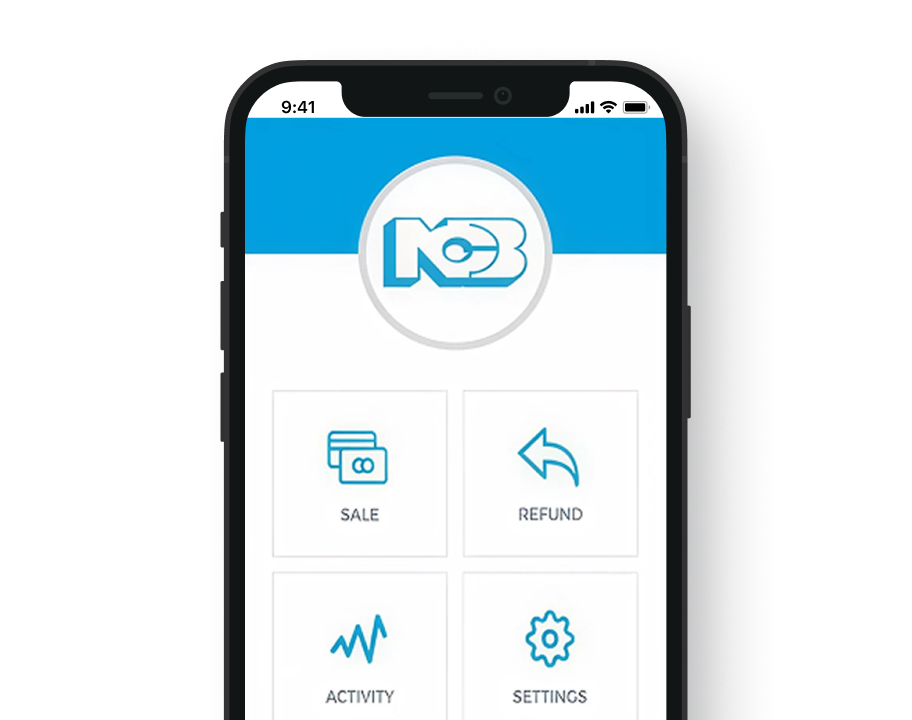
A simple guide to help merchants set up their NCB mPOS device, process sales, view transactions, and perform refunds with ease.

Ready to get started?

Get support anytime from our Merchant Services team.

FAQ

Card Processing

Security

NCB mPOS Merchant Portal

Troubleshooting

Error Messages

  • Email

    Our friendly team is here to help email us
  • Live Chat

    Connect on jncb.com via Web Chat for Merchant Services
  • Phone

    Call our Merchant Support direct line at