
Take payments further with NCB ePOS
The NCB ePOS is an innovative Tap on Phone solution that will grow and evolve your business. Transform your Android device into a payment terminal by downloading the NCB ePOS app from the Play Store and start getting paid.

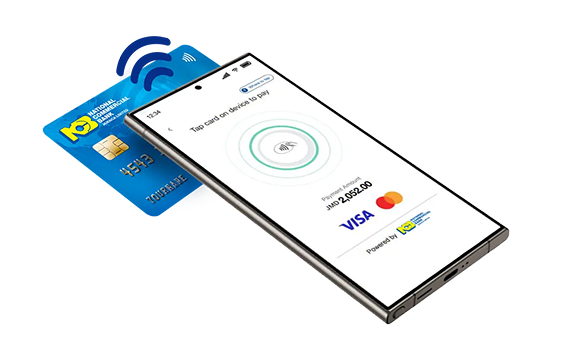

Why choose NCB ePOS
Built for fast, secure, and flexible payments on the go.
Easy to Use
Designed to simplify payments for both merchants and customers.Fast & Efficient
Accept secure, contactless payments in seconds.Cost-Effective
Save on hardware, setup, and maintenance costs.Better Insights
Track transaction data and analytics through the app.
Take your payments further
with NCB ePOS
Seamless transactions, anywhere you go


User Guides
Everything you need to get started and make the most of NCB ePOS.
Application Guide
Step-by-step instructions to download, set up, and start accepting payments with the NCB ePOS app.Merchant Portal Guide
Learn how to manage your business, track transactions, generate reports, and control users from the Merchant Portal.
Email
Our friendly team is here to help email usLive Chat
Connect on jncb.com via Web Chat for Merchant ServicesPhone
Call our Merchant Support direct line at